
Open a file
One file from the explorer, in a sheet over the thread on a phone and in a tab of its own on a wide window. A text file opens in the editor, numbered and coloured; images are shown, videos play, anything else is named with its size.
Why you would use it
The agent says it edited a file and you want to see the file, not its description of it. Opening it here keeps you in the thread, on the phone, with the same colouring the transcript uses.
How to use it
Open the explorer and tap a file row, or tap a result from the filter. The viewer sheet (
#viewer) slides up. A file link in an agent's reply opens it too, scrolled to the line the link names; see formatted-answers. So does the file name on aREADorWRITEcard; see read-the-transcript.On a window at least 760px wide the file opens as a tab in the focused pane instead of a sheet, beside the thread; see file-tabs.
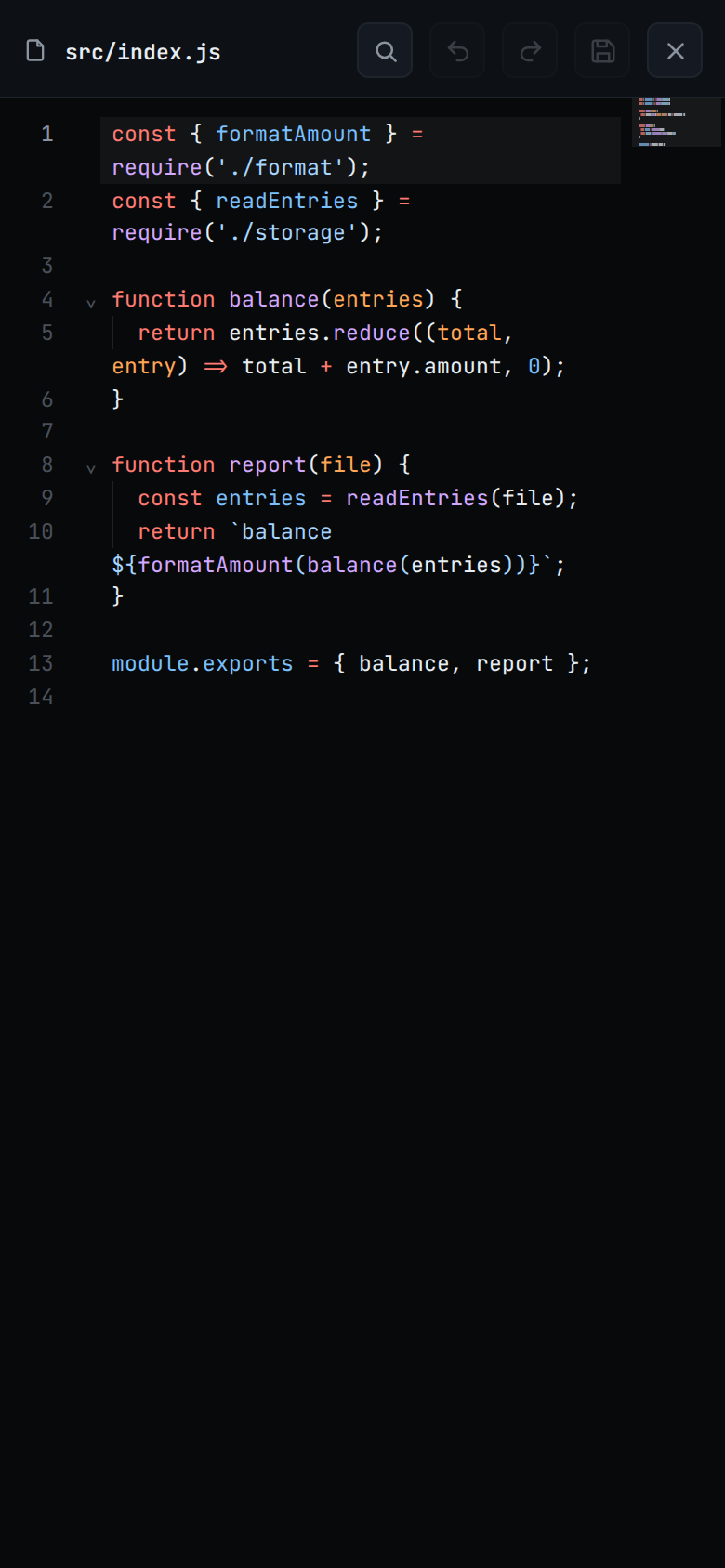
Scroll the file. Its path is in the head (
#viewer-path).Tap the close button (
#viewer-close) or press back to shut it. Back closes the viewer before the explorer, and the explorer before leaving the app. In a file tab the close button closes the tab, and back leaves it alone.
What you see
Text: every line numbered from 1, coloured the way VS Code colours it, with its GitHub Dark Default theme. The file's extension or name picks the language, and every language VS Code's grammars cover gets colours: over 240, Go, Rust, C, C++, Java, Kotlin, Swift, Ruby, PHP, Dockerfiles and Makefiles among them. The whole file is coloured in one pass, so a block comment or a template literal spanning lines keeps its colour. A code fence in a Markdown file takes the colours of the language named after its opening backticks or tildes, such as
jsorpython. A trailing newline does not add an extra numbered line. The number column is as wide as the last line number, so a file of 10,000 lines or more keeps each number on one row.First use: a language's colours download the first time you open a file in it, and the text shows plain until they arrive. After that they are kept on the device. Offline, a language you have never opened shows plain. JavaScript, TypeScript, JSX, TSX, shell scripts, Python, JSON, CSS, HTML, YAML, SQL, Markdown, INI, TOML,
.envfiles and diffs come with the app and colour offline from the start.Key=value files:
.env,.env.local,.env.exampleand any other.env.<name>, and a file namedenv, are coloured as.envfiles;.ini,.cfg,.properties,.npmrc,.editorconfigand.gitconfigfiles as INI,.tomlfiles as TOML and.servicefiles as systemd units. Names, values and comments each take their own colour, as in VS Code: a#starts a comment, so inPASS=a#bthe#bis grey. A file with no extension is coloured by what it holds, so a run of three or moreNAME=valuelines is coloured as INI. The editor uses the same colours.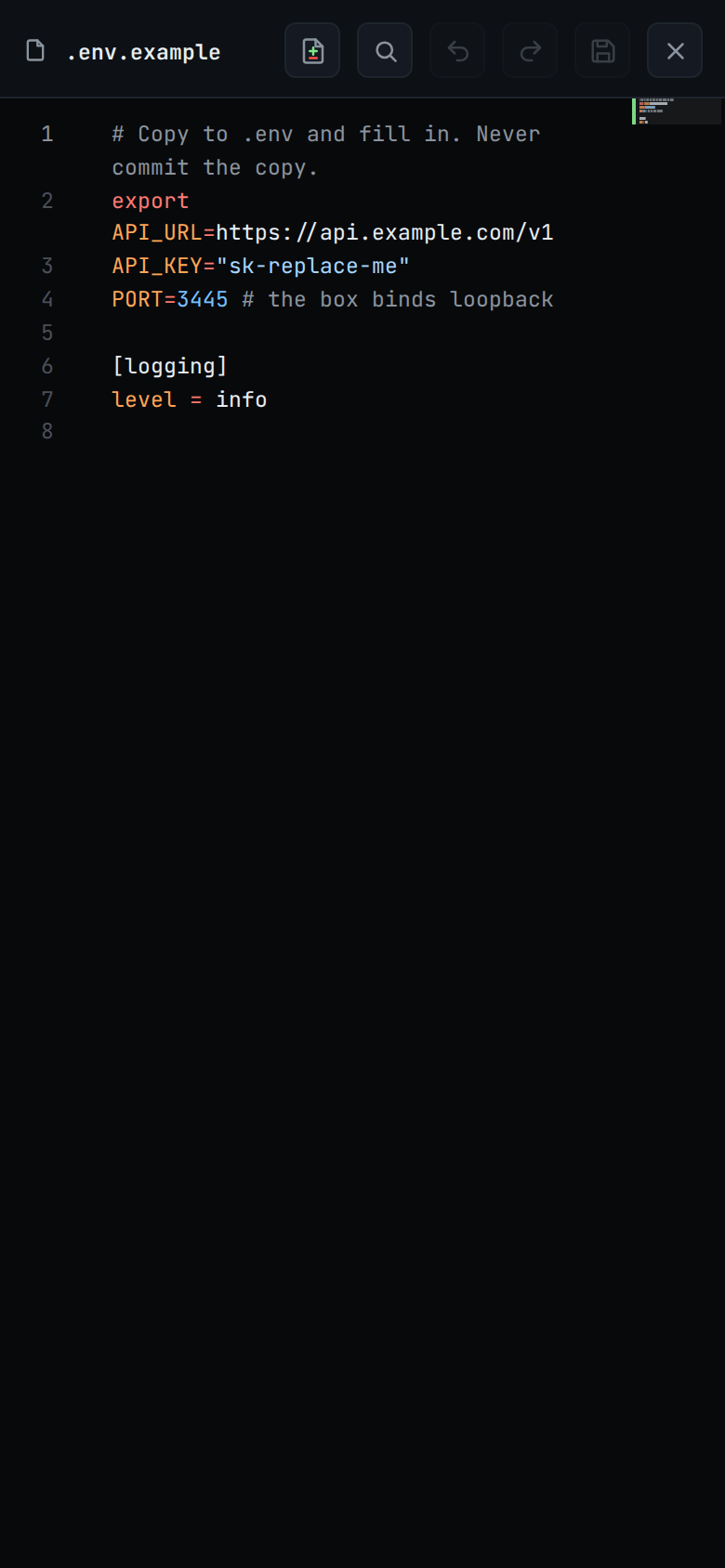
Image (
.png,.jpg,.jpeg,.gif,.webp,.svg): shown inline, its bytes fetched from a separate route. Pinch, Ctrl with the mouse wheel or a double-click zooms it and a drag moves it, as for a screenshot. An SVG with no size of its own does not zoom.
Video (
.mp4,.mov,.m4v,.webm,.mkv,.ogv): a player with the browser's own controls, as wide as the viewer. The video streams from your workstation, so it starts before the whole file has arrived, and you can seek to any point. There is no size limit. Whether a file plays depends on the codecs your browser has: Safari does not play MKV, and HEVC (H.265) plays only on a device with hardware support for it.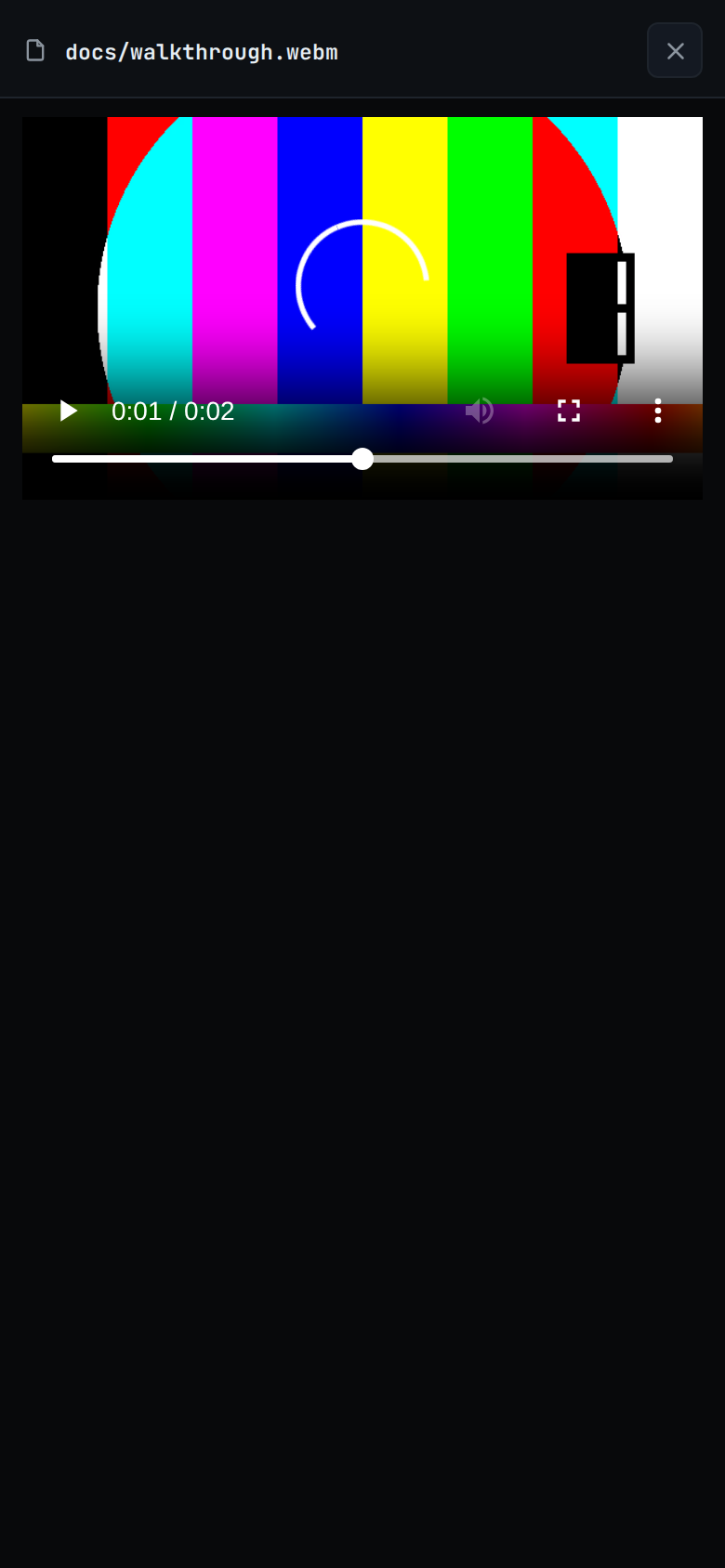
When the browser cannot play the file, the player is replaced by
This browser cannot play <EXT> videos, for exampleThis browser cannot play MKV videos. A file that fails to load for another reason showsCould not load this video. Just after the app is first opened or reloaded with a hard reload, the viewer may showReload the app to play videos; reload once and open the video again.The same player opens when you tap a video you attached or a recording the agent showed in the transcript.
Anything else: one line,
binary · <size>ortoo large · <size>.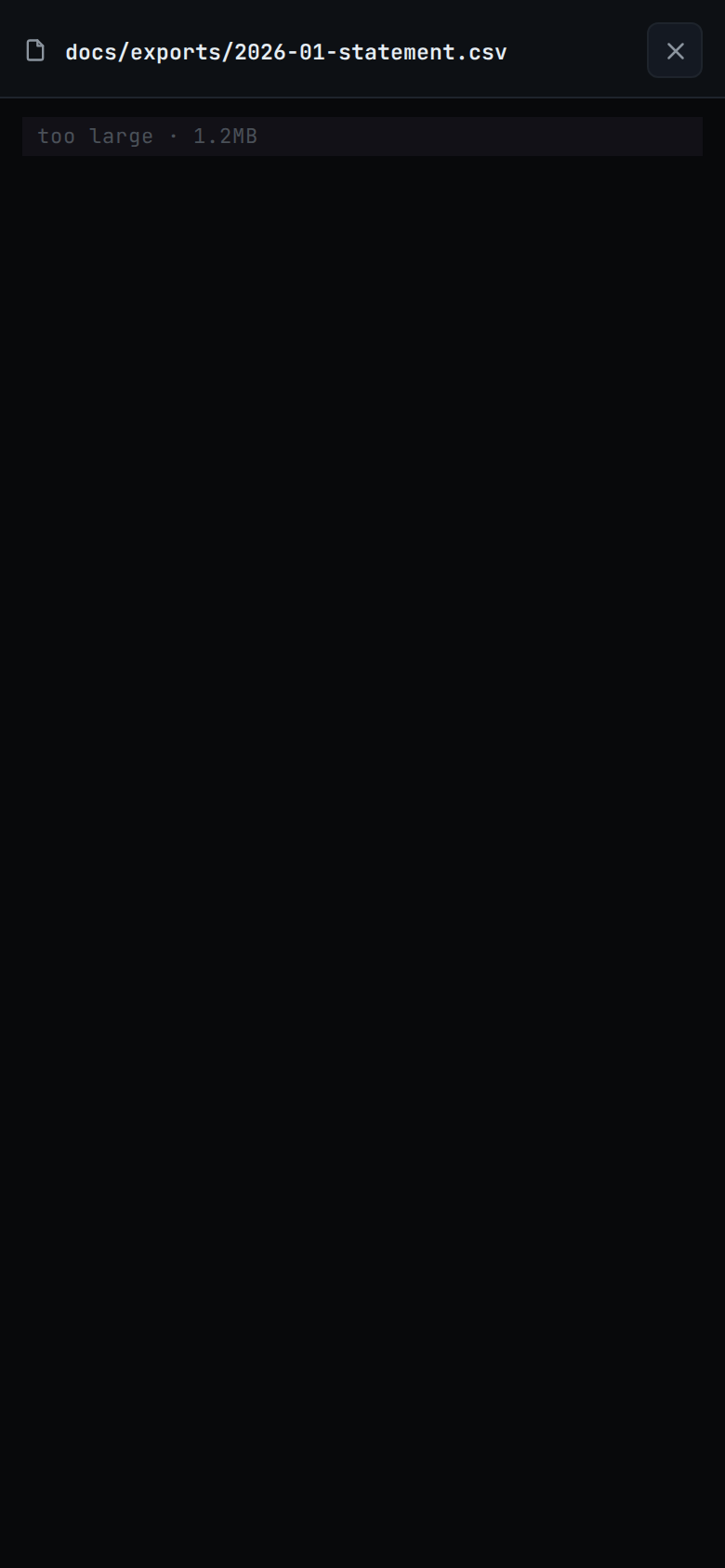
While the file is being read the body shows
reading….A file that cannot be read closes the viewer and shows the error as a toast. When the file is gone from disk, its row drops out of the explorer.
The head holds the path, the diff toggle (
#viewer-diff, shown when the file has changes since the last commit; see viewer-diff-marks), the save button (#viewer-save, shown while the editor is open) and close (#viewer-close). There is no mode to switch: a text file is always in the editor, where a right click or a long press on a line comments on it.Read view: an image, a video, a binary file, a file over 1 MiB, a copy of a file in a pane that is not focused, and a text file whose editor did not load show read only. There a tap on a line of text opens its comment box.
Minimap: a narrow picture of the whole file beside the text, in the editor and the read view, each line drawn in its colours. A grey slider covers the part you can see. Click or tap a line on the map to centre the text on it, drag the slider to scroll, or turn the mouse wheel over it. Lines added since the last commit carry a green bar on the map's left edge. A file in a file tab has one too, read-only copies included.
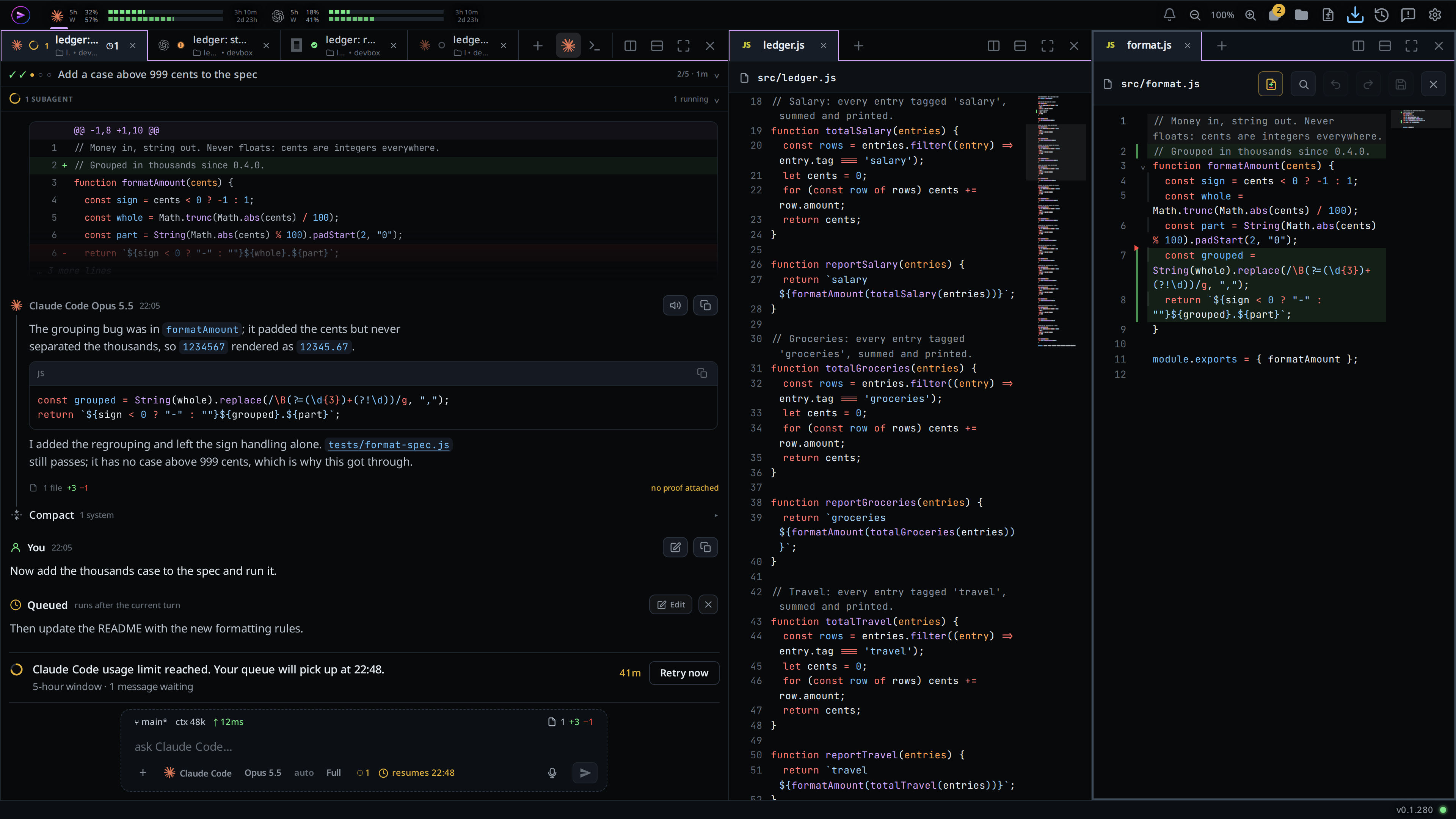
On a phone the minimap is narrower, 48px against 72px on a wide window, and the text's own scrollbar is hidden while it shows.
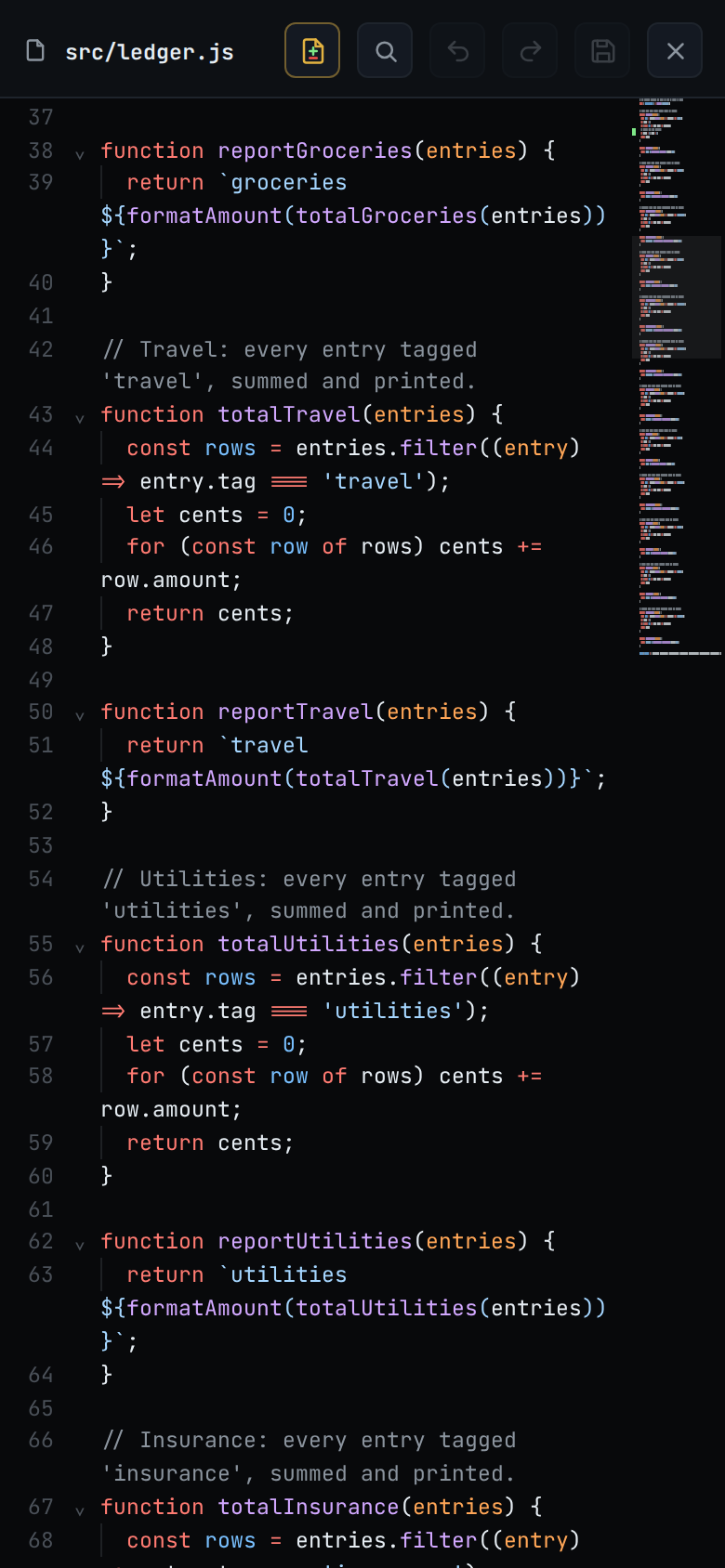
While the viewer is open it reads the file again every three seconds. When the agent changes it, the new text shows in place, and the scroll stays where it was.
Limits and known gaps
- In the read view a file over 50,000 lines shows without colours. The editor colours a file of any length the viewer opens.
- In the demo on fezu.dev, only JavaScript, JSON, Markdown, shell, CSV and diffs are coloured. Code in any other language shows without colours.
- Colours that failed to download, offline or on a bad connection, stay plain until the app is reloaded.
- Every text file opens in the editor, whatever opened it. See edit-a-file. There is no download of a text file.
- Files over 1 MiB come back as
too largewith no text, whatever they hold. - A file is text when it has no NUL byte in its first 8192 bytes and the whole of
it decodes as UTF-8. Anything else is
binary. - An image over 1 MiB is refused by the bytes route: "that image is too large to preview".
- Only image files are served as raw bytes. A request for any other file on that route answers "that file is not an image".
- A video is told by its extension alone. A
.avior.wmvfile, or a video with no extension, isbinary. The open video stops when you close the viewer or the tab; the viewer does not read it again while it is open. - Switching threads, or changing a thread's folder, closes the viewer sheet. A file tab stays open.
- A read still in flight for a file you have moved on from is dropped, even when the new path reads the same as the old one.
Related
- file-explorer: where files are opened from
- file-tabs: the viewer as a tab in a pane on a wide window
- web-preview: the Preview button on an HTML file
- viewer-diff-marks: the change marks on the lines
- edit-a-file: change the file and save it
- comment-on-a-line: right click or hold a line to write about it
- formatted-answers: the same colouring in the transcript
- open-an-attachment: the other way an image opens in the app, and a video attachment in this player
- inline-screenshots: an agent's recording plays in this player