
The back button closes what is open
The phone's back button closes the top open layer (a sheet, a drawer, a viewer,
the shell) one press at a time. With nothing open it leaves the app as it always
did. On a keyboard, Escape or Ctrl+W (⌘W on a Mac) closes the same stack.
Why you would use it
On Android, back is the gesture you already use to dismiss things. Without this, back from an open diff sheet would quit an installed app and lose your place.
How to use it
Press back. Press it again for the next layer down. Or press Escape, wherever
the cursor is.
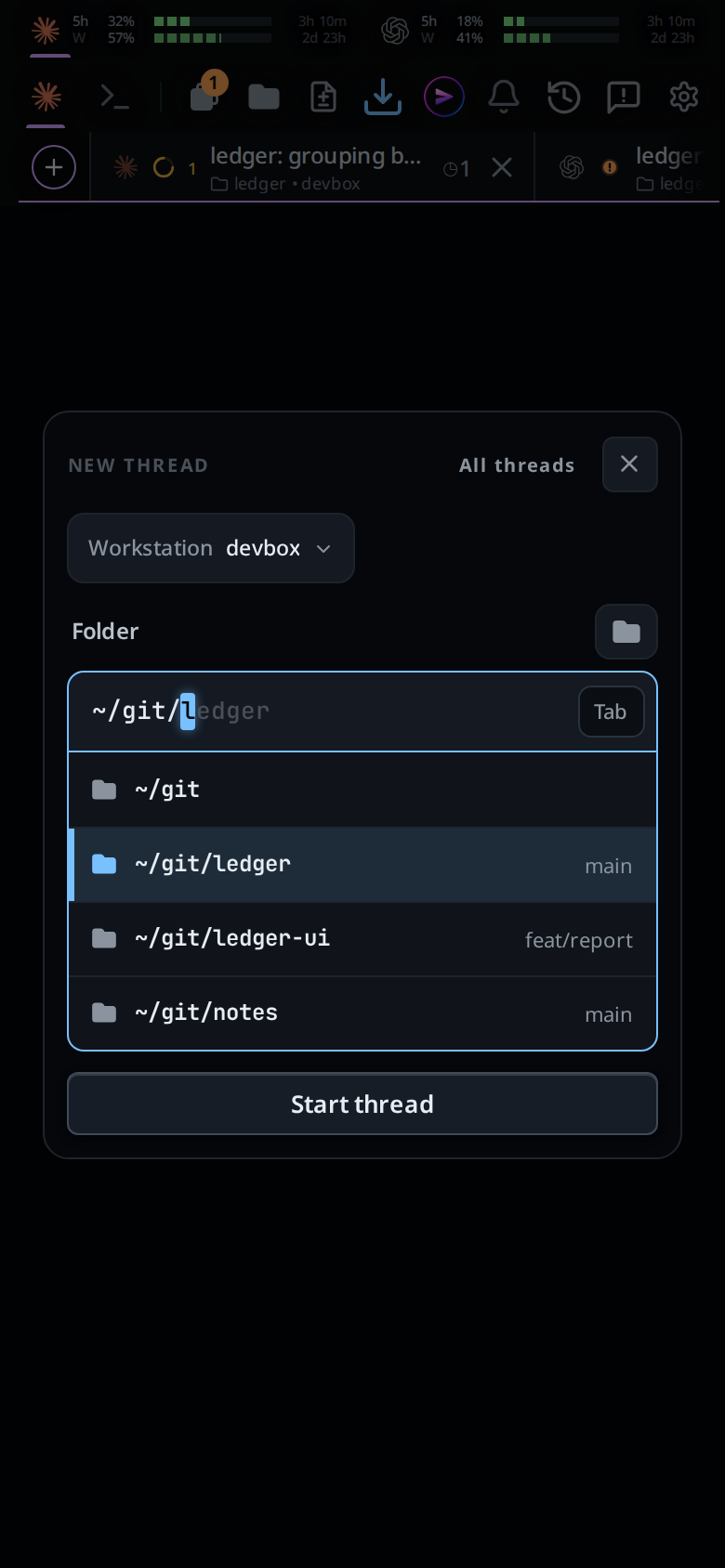
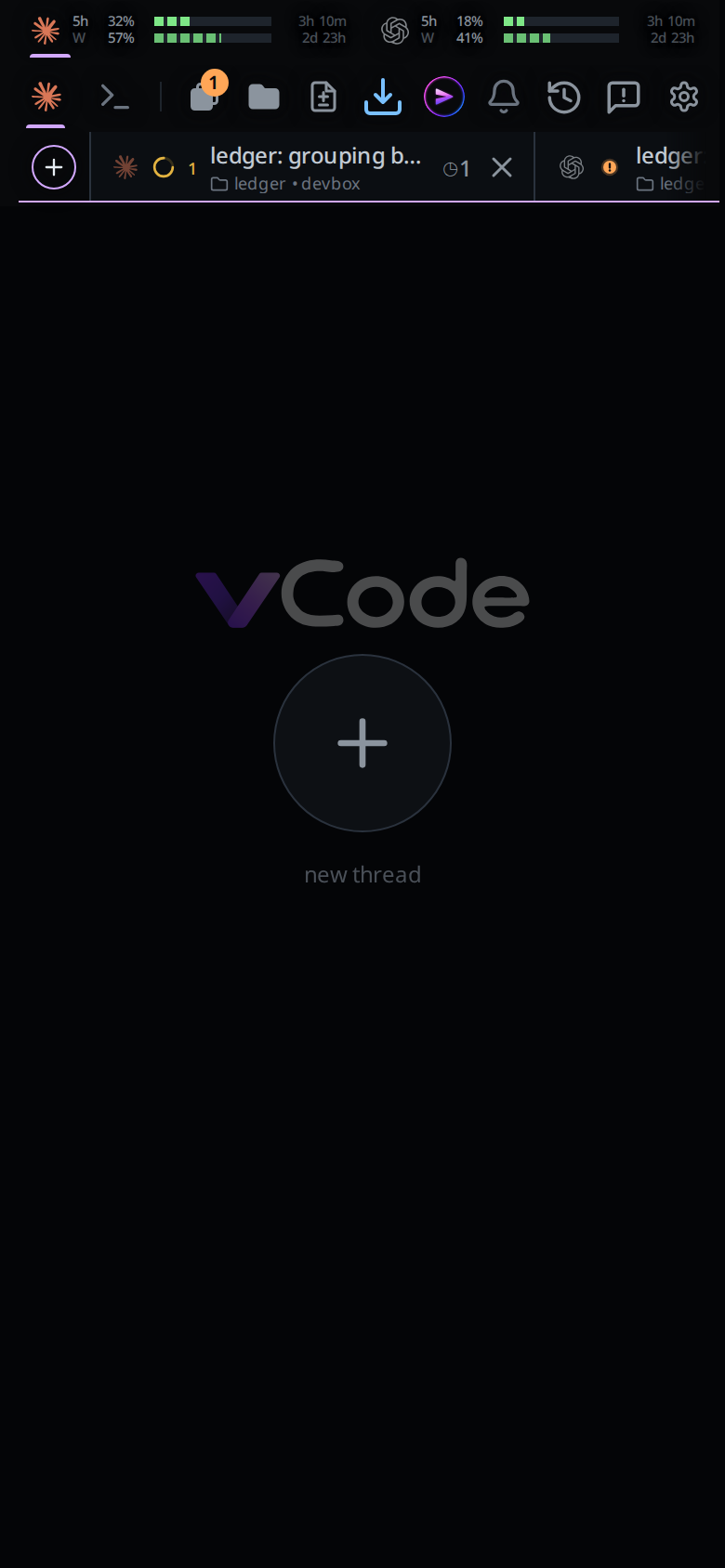
One press closes the card. The page under it is still there.
What you see
Each press closes the topmost of these, in this order:
- the phone's keyboard. With the keyboard up over the tab drawer or a sheet, the first back hides the keyboard and the drawer stays; the next back closes the drawer. Over a line's comment box the first back closes the box, keyboard and all, and the file stays open.
- an open screenshot (
#shotview); see inline-screenshots - the file viewer (
#viewer); see file-viewer - the diff sheet (
#review); see diff-review-sheet - the new-thread card (
#newthread). With the keyboard up the phone's back hides the keyboard, and that closes the card too, folder list and all. - the settings sheet (
#settings) - the Threads sheet (
#sessions) - the tab drawer (
#drawer) - the file explorer (
#explorer); see file-explorer - the slash menu; see slash-menu
- the keys tray; see shell-keys
- the Agent Commander's popup (
#commander-pop), back to the tab under it; see agent-commander - shell mode, back to the agent; see shell-mode
- the new-thread page, back to the tab it was reached from
With all of those closed, back leaves the app.
Escape closes the same list, one press at a time, from the screenshot down to
the Commander's popup. With a turn running in the popup, Escape stops that
turn first, and the next press closes it. It leaves the keyboard up, and the last two are modes rather
than layers over the screen, so Escape leaves shell mode and the new-thread
page alone. With all of them closed and a turn running,
Escape stops the turn; see
stop-a-running-turn. With nothing
open and nothing running the key is the browser's again, so a full-screen window
still leaves full screen.
Ctrl+W (⌘W on a Mac) closes the same layers as Escape, from anywhere, the
file editor included. A file with unsaved edits is not closed at once: a card
asks Save changes?, with Save, Discard and Cancel, as its × does. With nothing open over the screen, Ctrl+W closes
the tab you are in; see close-and-reopen-tabs.
A field or a menu the key was typed into takes it first: a tab being renamed, the
slash menu, the folder menu in the new-thread card, and the explorer's filter
while it has something in it. Press Escape again for the layer under it.
Limits and known gaps
- Android and any installed PWA. On a desktop browser it is the browser's back button, which behaves the same way.
- A pinned slash menu stays up under a sheet, so it closes after the sheets rather than being shut out of sight.
- A history entry left behind by a reload is dropped, so back still leaves the app rather than appearing to do nothing.
- A docked panel (the file explorer or the tab bar as a column on a wide window) is not a
layer, and neither back nor
Escapecloses it. See wide-layout. Escapedoes not leave shell mode or the new-thread page; back does.- VCode counts the keyboard as up while a text field has the focus on a touch screen and the page is at least 120 px shorter than it has been at that width. A keyboard that floats over the page without shrinking it is not counted, so back with one up closes the layer under it.
- Back never stops a turn. Only
Escapedoes, and only with nothing open over the screen and shell mode off.
Related
- navigation-and-commands: every gesture and key, phone and desktop
- close-and-reopen-tabs: what Ctrl+W closes with nothing open
- tab-drawer: one of the layers
- threads-sheet: another
- swipe-between-tabs: the new-thread page, the last layer back leaves
- file-explorer: the layer on the right edge
- shell-mode: the second-to-last layer
- slash-menu: a layer that closes after the sheets
- agent-commander: the popup, a layer that goes back to the tab under it
- stop-a-running-turn: what
Escapereaches once the stack is empty