
See the files a turn changed
Every turn that edited files gets a summary: a footer under the turn's last reply. It opens the diff sheet with every file the turn changed. The count in the status bar is the whole session's: the files the explorer's Changes tab lists.
Why you would use it
The agent has answered and you want the damage report before you read the prose: how many files, how many lines, which ones. From there, one tap gets you into the diff of all of them.
How to use it
Look under the last reply of any turn that changed files: a footer button with the number of files and
+<added> −<removed>.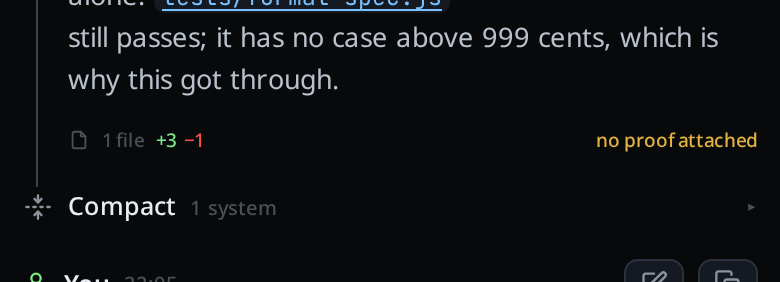
Tap it. The diff sheet (
#review) opens on every file the turn changed.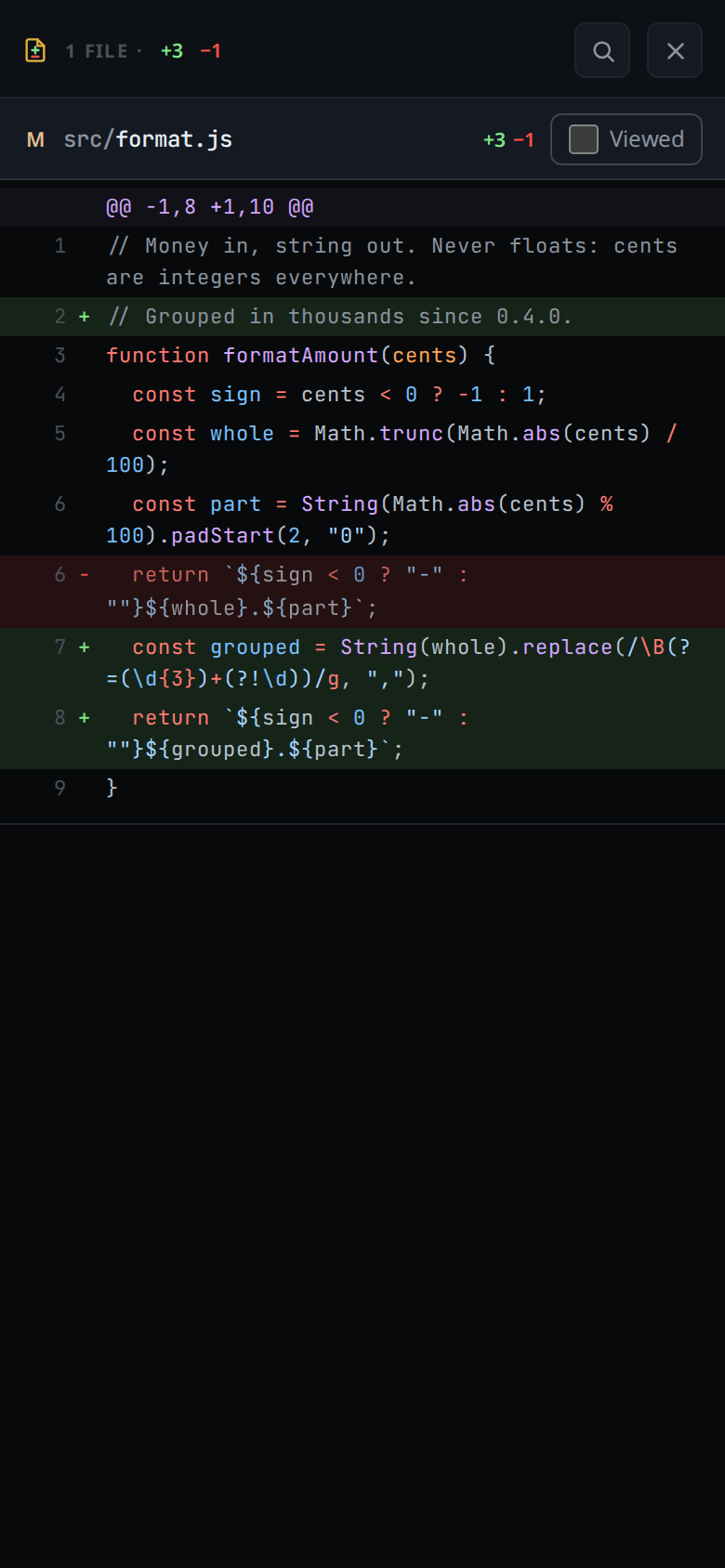
Close it with
#review-closeor with back.
What you see
- The footer reads
<n> fileor<n> files, then+<added> −<removed>. - Added lines read green, removed lines red, everywhere the counts appear.
- When you have marked every file of the turn Viewed in the sheet, the reply footer carries a green tick.
- A finished turn that changed files and holds no proof
reads
no proof attachedat the right of its footer. The turn still running does not, and neither does a turn whose reply ends on a question or one that changed only documentation files. - A turn with a proof shows its Proof section instead of the footer: the section's files line counts the git diff.
Limits and known gaps
- The summary is built from the diffs the agent reported in the log, not from git. An edit made outside the agent (by you in a terminal) is not in it. For that, see explorer-change-counts.
- A diff the agent proposed but did not apply is not counted.
- Files a claude subagent edits count toward the turn that launched it, in that turn's footer. They get no card of their own in the transcript; the subagent strip shows that work. A background agent that edits after a later turn has edited shows in its own turn's footer.
- The footer hangs off the last reply of a turn. A turn that changed files but produced no assistant reply has no footer.
- The tick is remembered on this device only (
localStorage,v-code-accepted, the last 500 item ids). An edit made after you marked a file Viewed has a new id, so the file loses its tick.
Related
- diff-review-sheet: what the footer opens
- proof-of-done: the Proof section above the footer
- explorer-change-counts: the same question asked of git
- session-changes: the whole session's files, not one turn's
- status-bar: whose count is the session's
- read-the-transcript: where the footers hang