
The terminal on a wide window
On a wide window each pane switches its tab between the agent and the tab's terminal, as Shell mode does on a phone. In Shell mode the terminal fills the pane under its header.
Why you would use it
You want to run git log, start a dev server or read a test run in the tab's
own folder, at full height, and go back to the agent with one key.
How to use it
Click the terminal button (
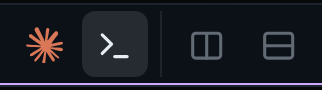
>_, aria-labelTerminal) in the pane's header, beside the agent button (the tab's agent mark, aria-labelAgent) and to the left of Split right and Split down, or press Ctrl+` for the pane you are in. The conversation, the plan, the subagents and the message box go, and the tab's terminal fills the pane and takes the keyboard.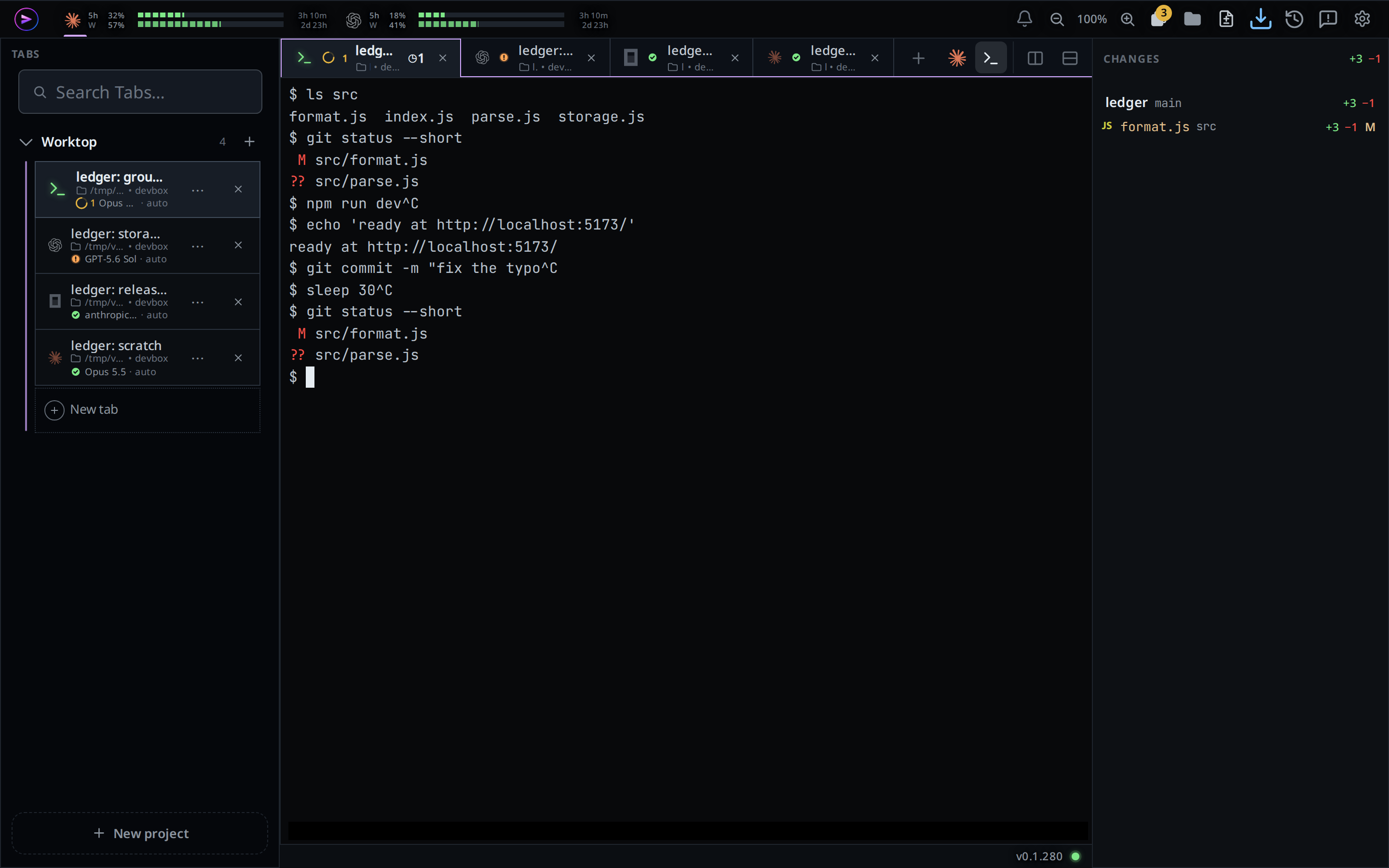
Type into the terminal as into any terminal.
Click the agent button, or press Ctrl+`, to go back to the agent. The conversation and the message box come back, and the message box takes the keyboard.
What you see
- The pane header carries two buttons for its tab: the agent's own mark and
>_. The one on screen is lit and reportsaria-pressed="true"; clicking it does nothing. The other one's tooltip says what a click does:Open the terminal (Ctrl+)on the terminal button,Back to the agent (Ctrl+)on the agent button. - While the terminal code loads the first time:
starting a shell…. - Everything else the terminal shows, from the scrollback to links and copying, is as in shell-mode.
Options and settings
| Option | Default | What it changes |
|---|---|---|
| Ctrl+` | Terminal in the cog's Shortcuts card |
Switches the pane you are in between the agent and the terminal; on a phone, the tab in front |
Limits and known gaps
- Agent or terminal belongs to the tab, on this device. Switch a pane to another tab and it shows that tab's mode. Each pane in a split keeps its own tab's mode.
- A tab you switch by hand keeps your choice on this device. The choice lasts while the app is open, and through the reload an update makes; a fresh start forgets it. Any other tab opens on the agent.
- A tab made by sending a message from the page past the end of a project's tabs opens on the agent, so you see its answer.
- The Agent Commander always shows the agent.
- A tab in Shell mode on a wide window is in Shell mode on a phone too, and the other way round: the two are one choice per tab.
- Each open terminal sizes the tab's shell to itself. A phone and a desktop showing the same tab's shell take turns, as in shell-mode.
- A pane showing a file has no terminal; its tab's terminal comes back when the tab is in front again.
- On a touch screen wide enough for panes, the two-row keypad shows while the focused pane shows its terminal.
Related
- shell-mode: the same shell on a phone, filling the screen
- agent-or-shell-mode: the phone's Agent and Shell chips
- split-panes: each pane keeps its own tab's mode
- wide-layout: the pane header the button sits in
- change-keyboard-shortcuts: give Ctrl+` another key