
Read your plan usage
A row of meters above the transcript shows how much of each logged-in plan's quota you have spent, and when each window resets. Providers that are logged out have no meter card.
Why you would use it
Before starting a long run it is worth knowing whether you have four hours of quota or four minutes, and which agent still has room.
How to use it
- Look at the meter row (
#agents) above the plan strip. One card per logged-in provider. - The card of the agent this tab runs is highlighted.
- Tap the latency segment in the status bar to force a refresh.

When every provider is logged out, the whole row collapses:
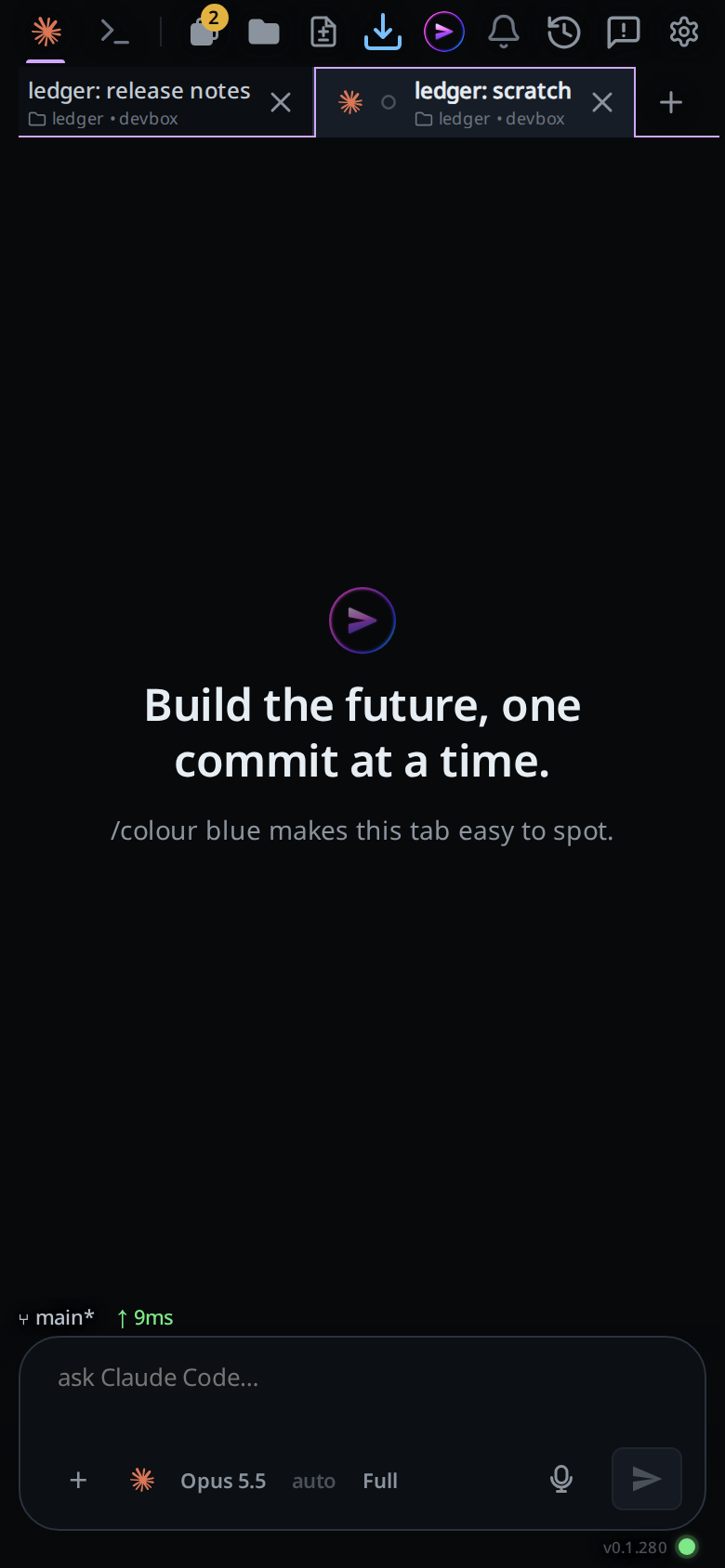
The typed /usage on claude is answered by
VCode rather than forwarded:
the meters above the transcript show your plan usage.
What you see
Each card carries the agent's mark and one row per reported window:
- the window's name, derived from its length:
5h,Wfor the weekly window, or2d/45mfor anything else - the percentage used
- a bar, coloured by how full it is, with the weekly bar drawn slightly dimmer
- how long until it resets:
42m,3h 20m,2d 4h, ornow
With no windows reported the row reads · and two dashes. The card's tooltip is
the agent's name and the plan, for example Claude · Max.
Limits and known gaps
- No row for opencode: it reports no account usage windows.
- No row for the test-only Mock agent; see the-three-agents.
- Figures are cached for ten minutes by default, so a meter can lag what the CLI just spent.
- If a refresh finds no provider available, the previous figures are kept and marked stale rather than blanked.
- When a provider cannot be read at all, its label falls back to
GPT --orClaude --with the reason attached. - Per-session dollar cost is not shown.
/coston claude is answered withper-session spend is not surfaced in VCode yet.
Related
- usage-limit-pause-and-retry: what happens when a window is full
- status-bar: the per-tab context figure, which is a different number